ExtractNow(解压缩文件软件)v4.8.3.0 官方最新版
资源介绍
ExtractNow功能:
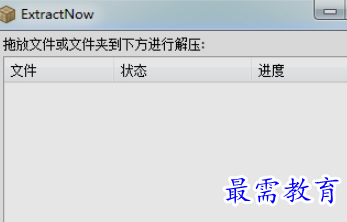
使用Extractnow对付大量的压缩包,只需把文件拖拽到ExtracNow的窗口中或者省事都放入一个文件夹中然后拖到ExtracNow窗口中,按下解压,即可轻轻松松解压到各自的文件夹中。当然,你如果在使用一些只支持ZIP不支持RAR格式的压缩软件,这个免费的小软件也可以当作你的助手帮你解压RAR,ACE,7Z,ISO,BIN,IMG,SIT等流行的压缩包。
支持格式:
ZIP, RAR, ISO, BIN, IMG, IMA, IMZ, 7Z, ACE, JAR, GZ, LZH, LHA, SIT格式的解压缩。
更新日志:
Version 4.66 (03/08/12)
- Added -minimize command line parameter
- Added test archives mode option in right-click menu
- Added extract only unextracted mode in right-click menu
- Fixed extract automatically when there is only one folder
- Fixed missing file in the portable zip
- Fixed destination directory creation /w archive name has space at the end
- Fixed leap year bug
Version 4.65 (01/31/12)
- Added 'Extract Automatically' option to context menu
- Added Tango icon set by Vlatko Boskoski
- Renamed several options in the post extract tab
- Updated to Lua 5.2